Product Summary
Secure, Organize, and Access
VaultLib is positioned as a "vault-style" personal information management tool, emphasizing local encrypted storage and categorized organization.
What you can store
Passwords, bank cards, identities, private documents, software keys, and other sensitive notes.
Unlock and account
Supports Face ID / Touch ID for convenience and supports Apple sign-in or email registration.
Design approach
Local-first security with simple information management, built for personal use and fast retrieval.
Feature Highlights
Built for everyday secure data management
Vault-like categories
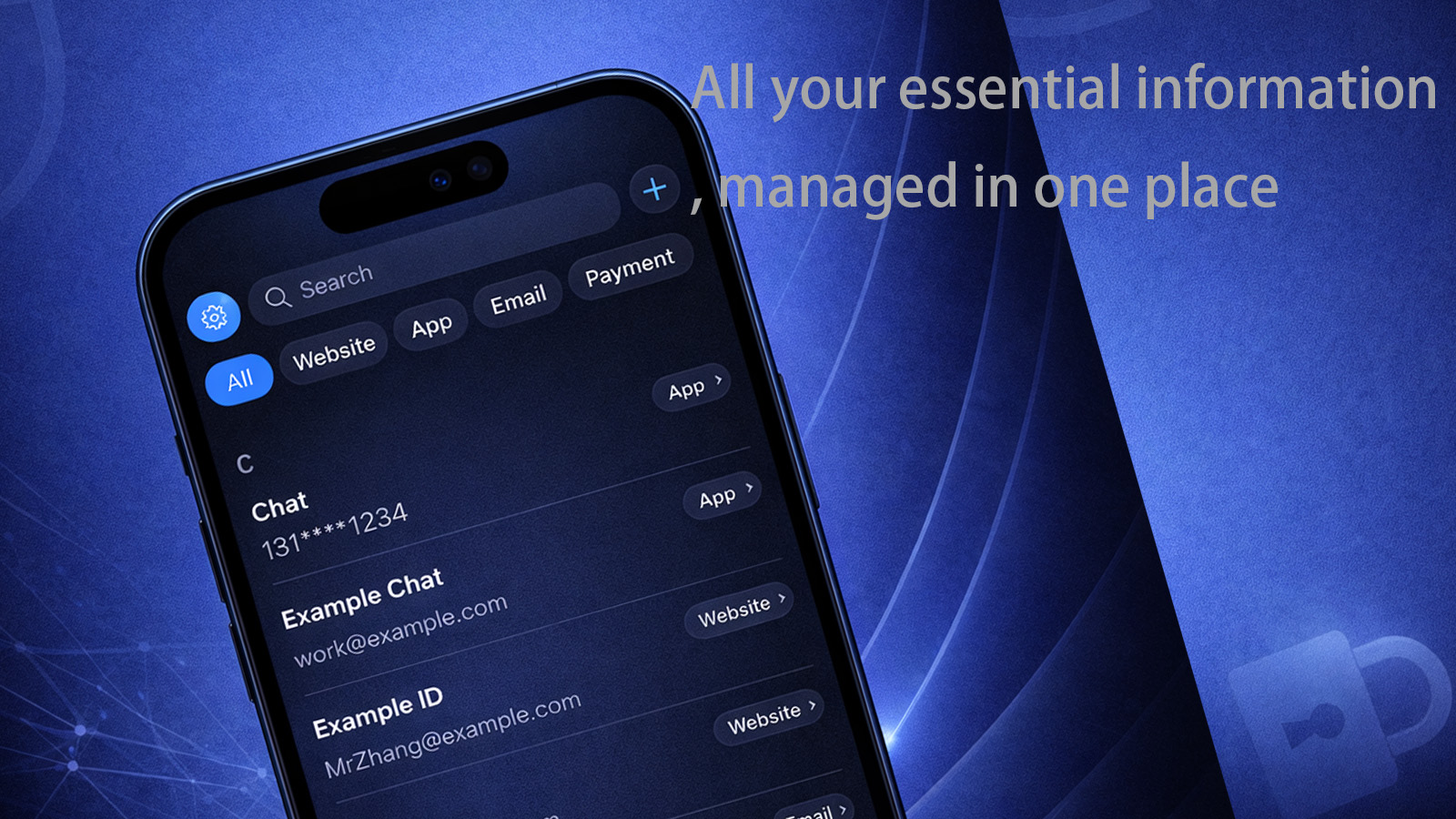
Organize multiple information types under one app experience instead of scattering them across notes and screenshots.
- Password records
- Bank card details
- Identity information
- Private documents and keys
Local encrypted storage
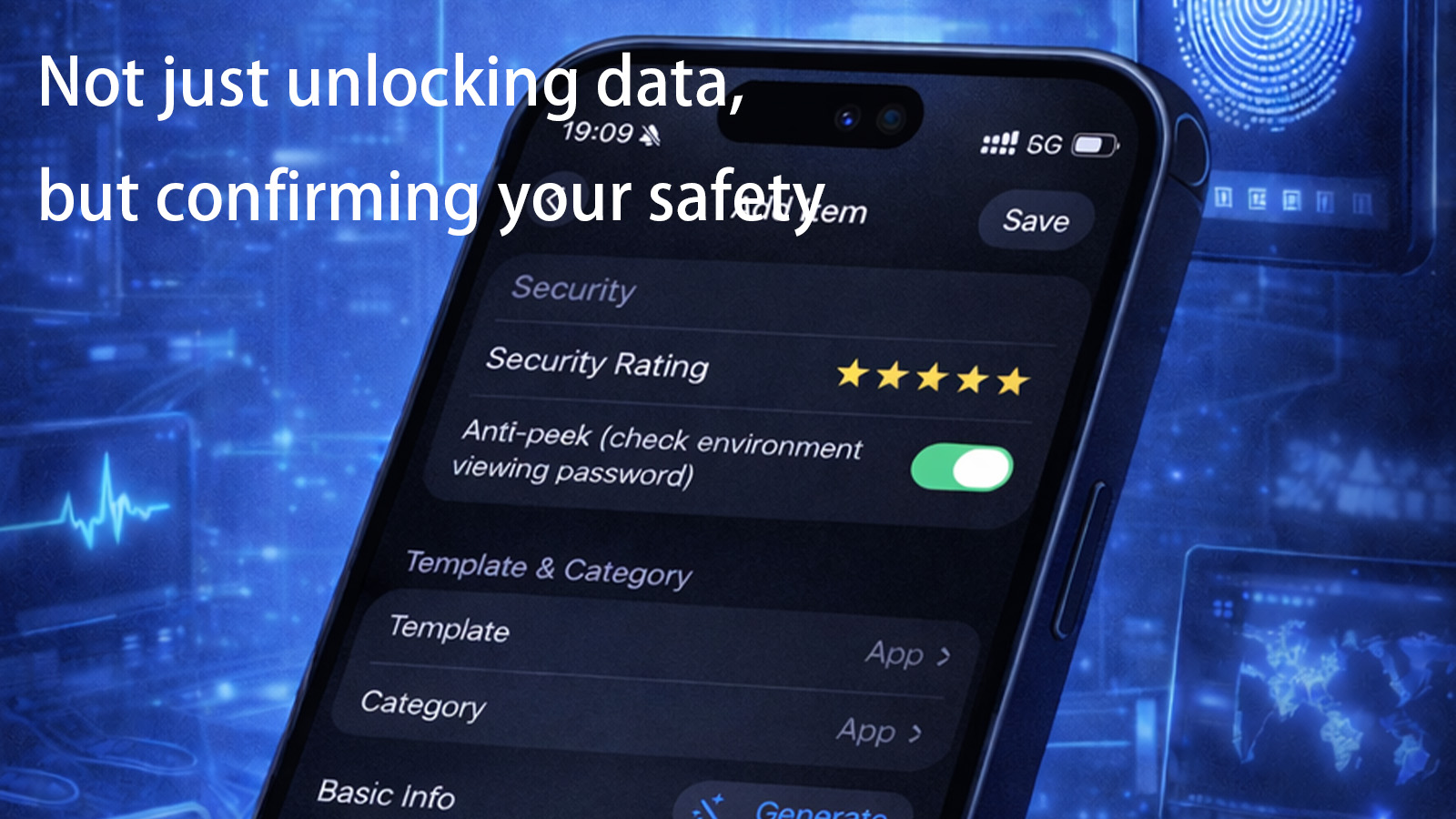
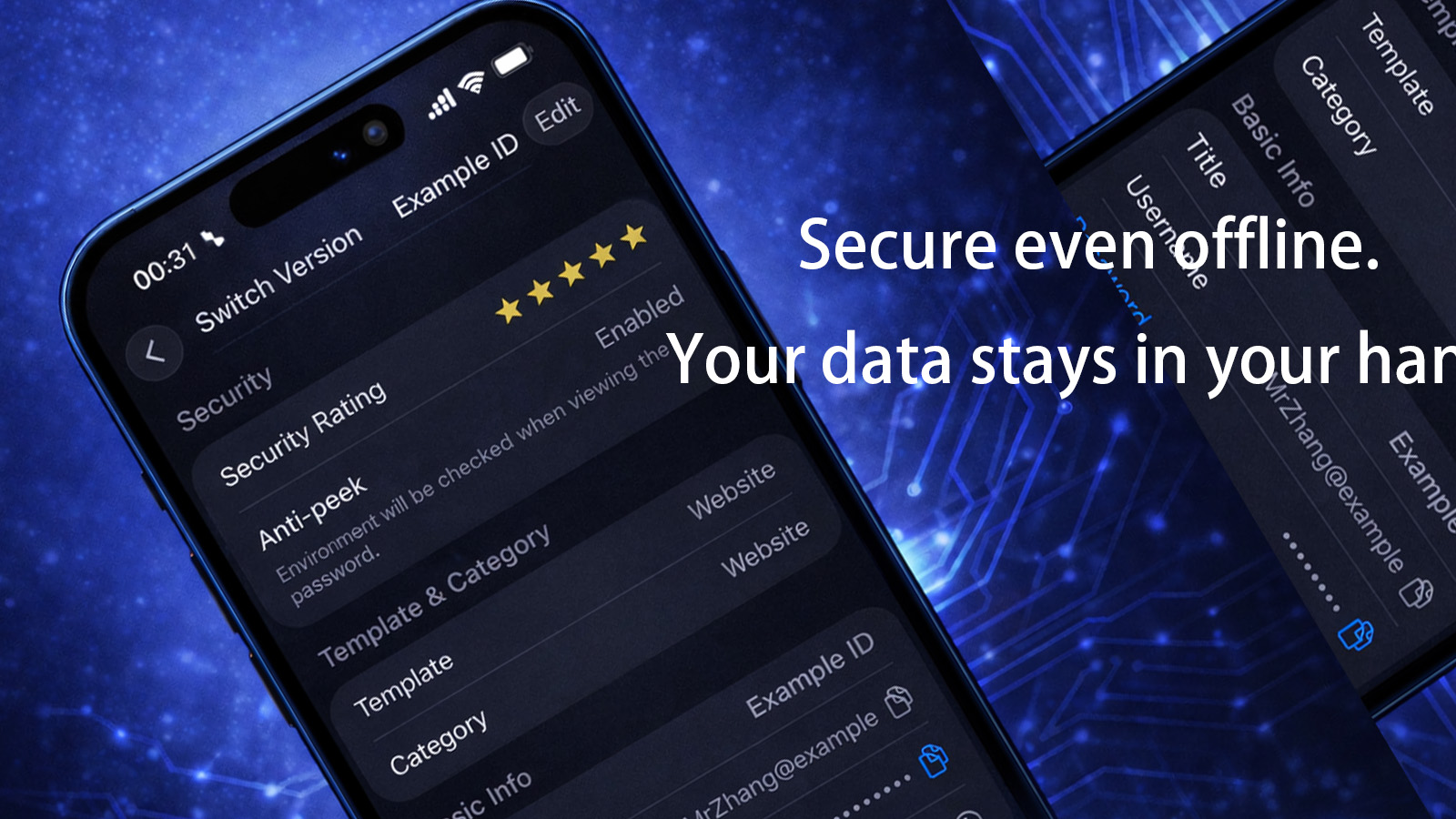
The App Store description highlights local encrypted storage to reduce exposure of sensitive data and strengthen privacy by design.
Convenient unlock methods
Biometric unlock options (Face ID / Touch ID) make secure access practical for frequent daily use.
Apple ecosystem compatibility
Supported on iPhone and iPad, with an experience optimized for everyday mobile and tablet use.